Welcome
To begin, please scan the QR code displayed on the EntrySign screen using the camera on your Smartphone.
VPS2
How to read QR codes
Most modern Smartphones (including iPhones) will read QR-codes automatically within the camera app. Simply open your camera app and point the rear-facing camera at the QR-code on the EntrySign screen. Your device will recognise the QR code and display a notification. Tap the notification to open the link to the touch-free sign-in page.
If you have an older device, or your camera app doesn't recognise QR-codes automatically, then you may need to download an app.
For apple devices see:
https://support.apple.com/en-gb/HT208843
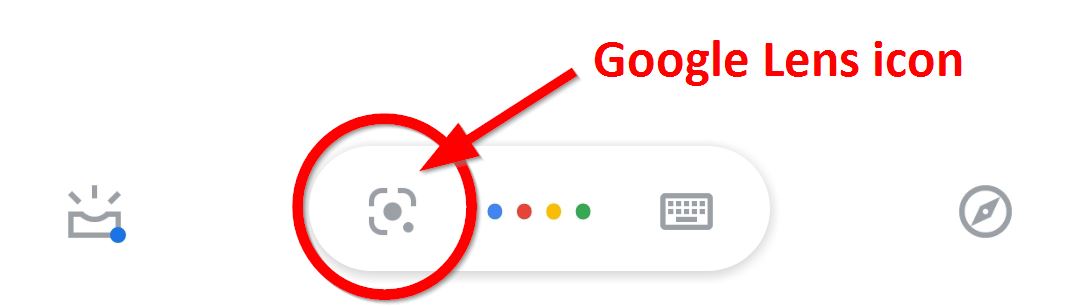
On Android devices, if your camera app does not read the QR code automatically, try long-pressing your home button to open the Google assistant, then select the Google lens icon. Depending on your version of Assistant, the Lens icon may automatically appear but if not, try clicking on the row of dots at the bottom, and the Lens button should appear on the left-hand side.